

This guide explains how to verify the first-delivery result of a NovixLink Dual-ISP Residential IP or Dual-ISP Home Broadband IP. The formal standard is set out in Section 4.2 of the Terms of Service (https://novixlink.com/legal/terms-of-services?language=english). This guide only helps you check the IPLense Quick Mode result yourself.
1. Look up the IP
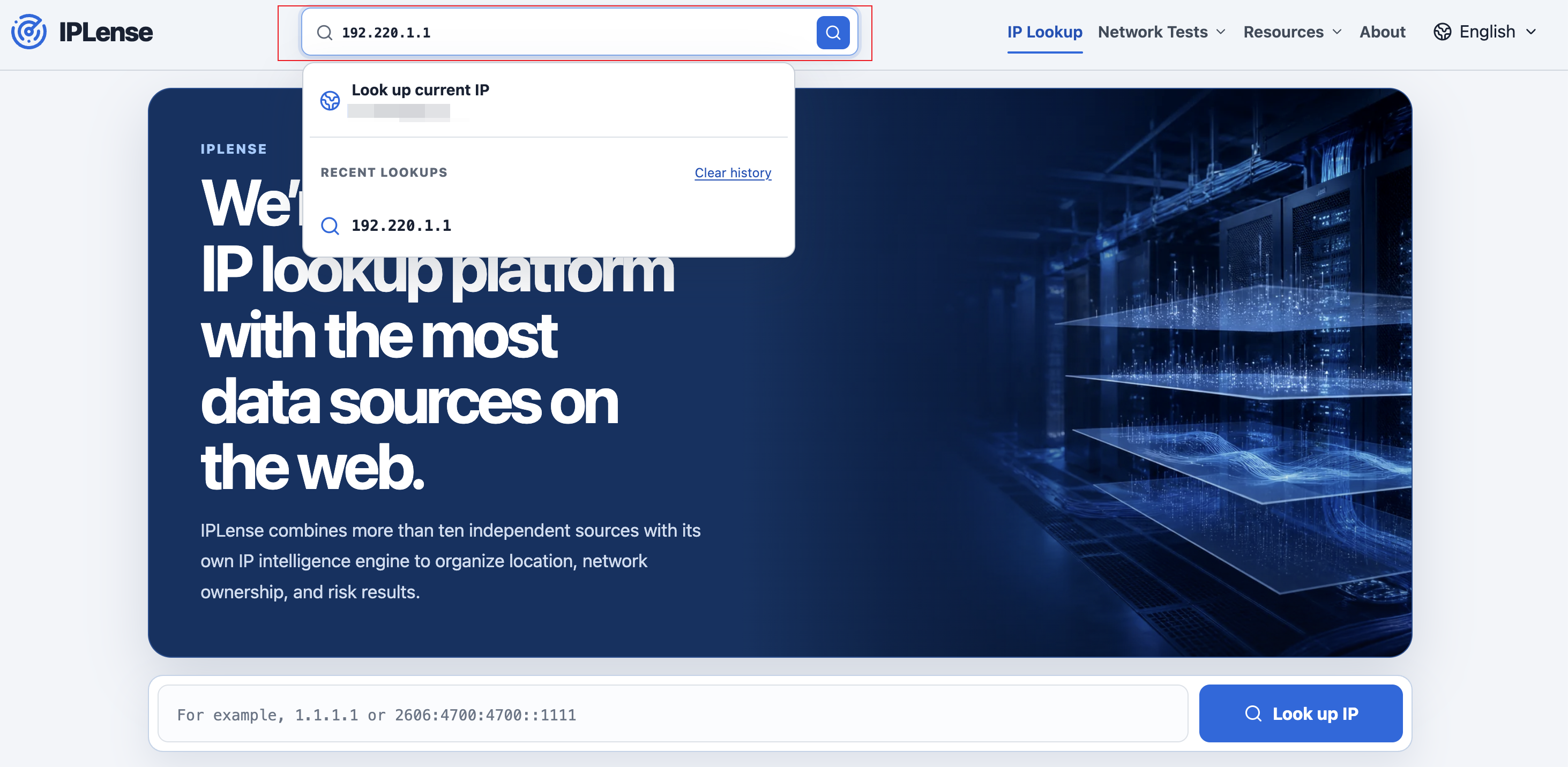
Open https://iplense.cc/en/, enter the IPv4 or IPv6 address, and select “Look up IP”, completing verification if requested.
2. Check the matching results
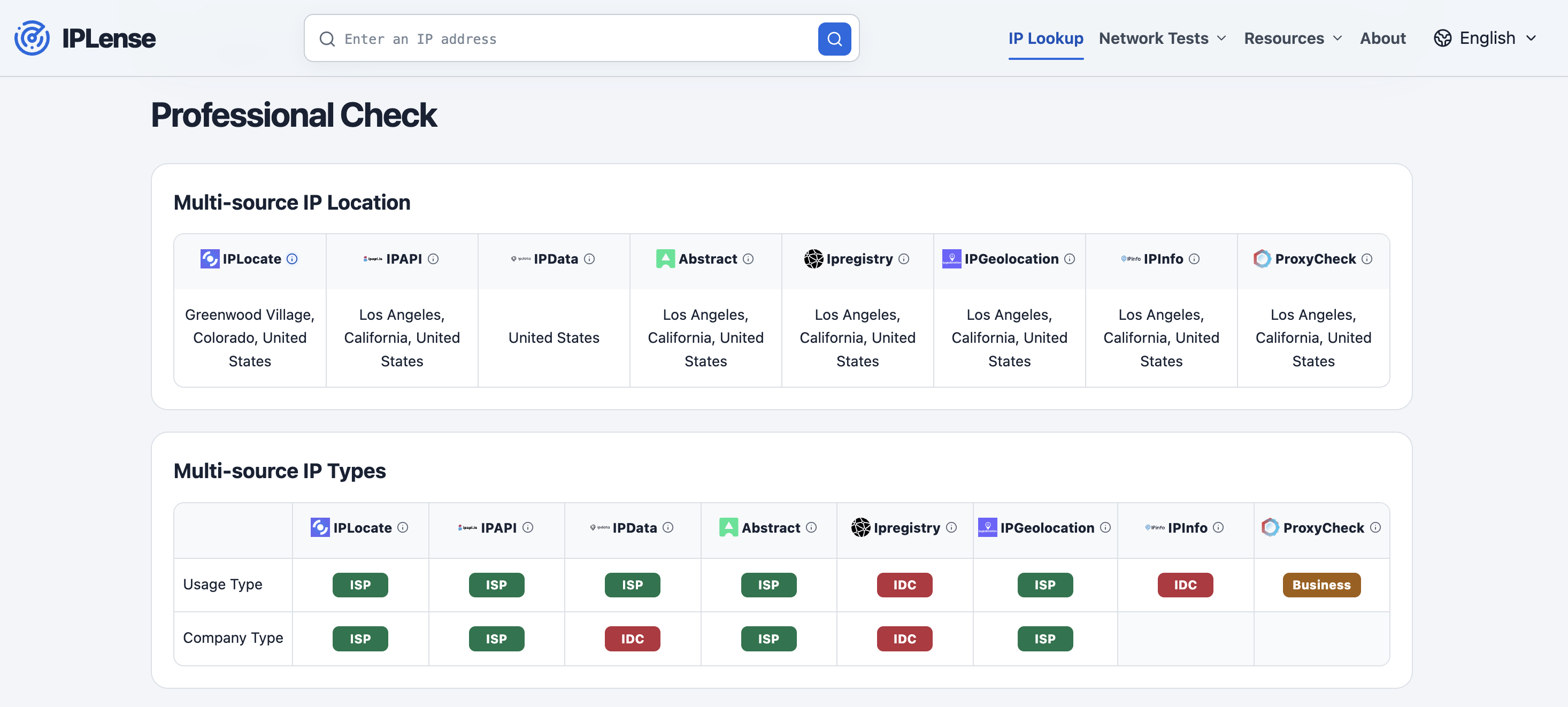
Both types require ISP for the ASN Name and Operating Company type labels. This is what “Dual ISP” means, and it does not mean two physical lines. The difference is IP Property: a Dual-ISP Residential IP shows Residential or Home Broadband, and a Dual-ISP Home Broadband IP shows Home Broadband.
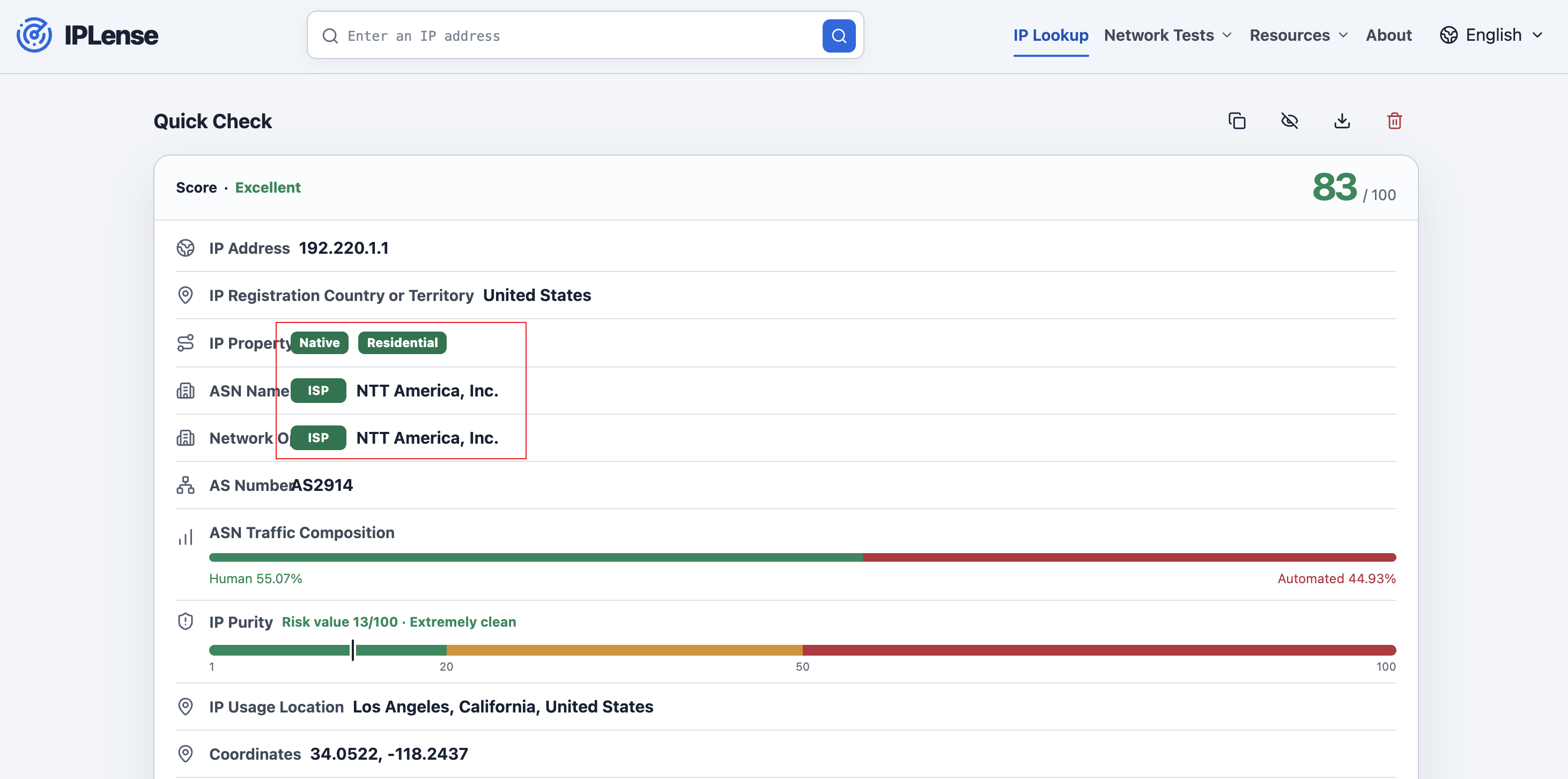
Database location, risk or purity values, platform results, and speed tests are not delivery standards. Professional Mode shows the location, usage type, company type, and risk result returned by each data source and helps explain differences between databases, but it is not a delivery or refund standard.
3. Save the first-delivery result
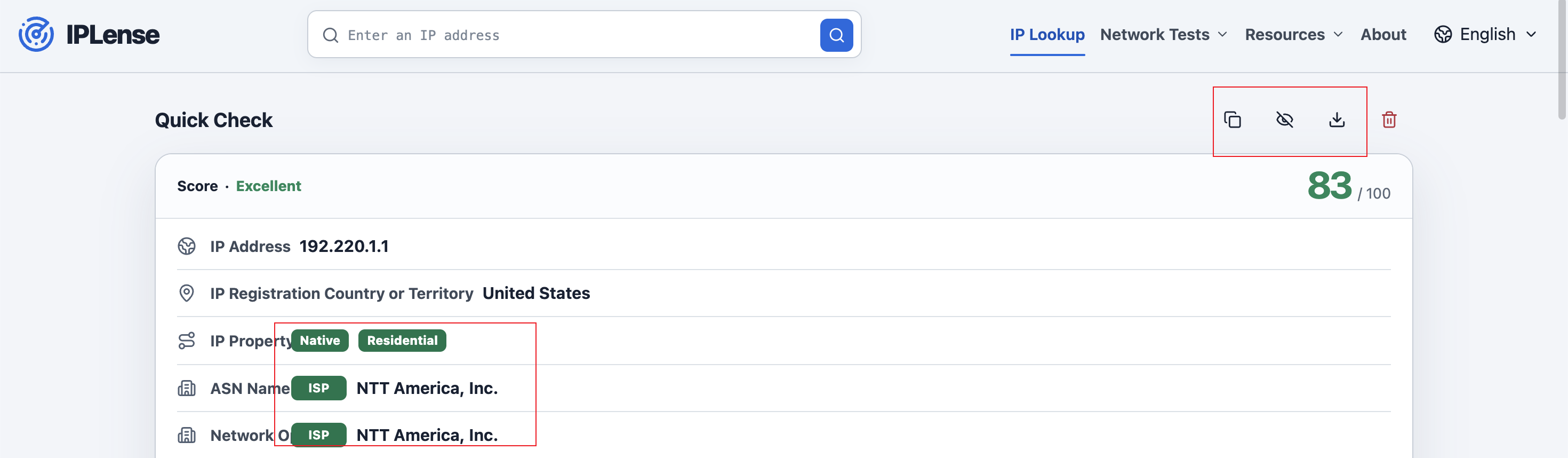
Use Copy Result, Hide IP, and Download PNG on the result page to keep a record of the first-delivery result.